
What is Soneka?
Soneka is a complete WhatsApp business platform you can run as your own workspace or resell to clients. It rolls five jobs — that most businesses buy as five separate tools — into a single product:Shared Team Inbox
One WhatsApp number worked by your whole team, with chat assignment, internal notes, and collision detection so two agents never reply at once.
Bulk Marketing
Campaigns, template broadcasts, and scheduled sends that track delivery, reads, and failures for every recipient.
No-Code Automation
A visual flow builder, auto-replies, keyword triggers, website chatbot widgets, and native WhatsApp Forms — no developer required.
AI Suite
Chat assistants trained on your own content, a voice assistant that answers phone calls, and searchable call logs with transcripts and recordings.
Multi-Client SaaS Layer
Isolated workspaces, subscription plans, ~30 payment gateways, free trials, coupons, wallet credits, per-plan feature controls, and full white-label branding.
One Bill, No Per-Seat Fees
Add every teammate you want. You pay for messages, never headcount — costs stay predictable as your team grows.
The Three Engines at a Glance
Choosing an engine is the first real decision you make for each workspace, so here is the honest trade-off. Soneka supports all three side by side — different workspaces on the same install can use different engines, and the platform admin decides which ones are offered.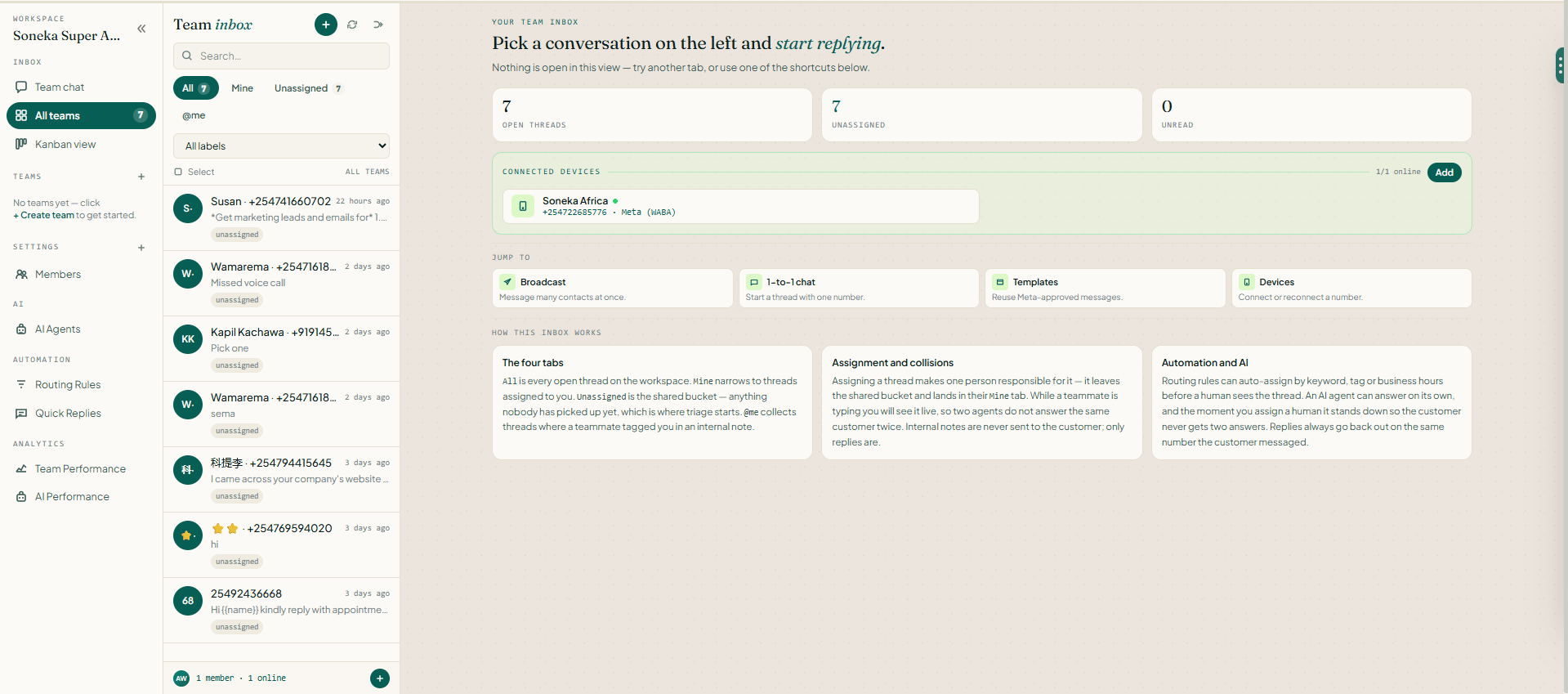
One active engine per workspace. Each workspace uses a single engine at a time, and the Devices screen shows only the setup for that one. A few features — for example, native WhatsApp Forms — only work on the Cloud API, and the app handles this transparently so you never hit a dead end. See Connect Your WhatsApp Number for the full setup of each engine.
What Soneka Can Do
A grouped tour of the platform. Each area has its own detailed guide in the sidebar.Conversations & Team Inbox
- Shared Team Inbox with chat assignment, internal notes, snooze, tags, resolve, saved replies, and a Kanban board view.
- Collision detection (who’s viewing and typing) so two agents never reply to the same chat at once, plus auto-assignment rules and response-time (SLA) timers.
- 1-to-1 chat for direct messages, and an internal Team Chat with @mentions for your staff.
Marketing & Outreach
- Campaigns and template Broadcasts with sending-speed controls, per-recipient delivery / read / failed / queued tracking, and automatic retry.
- Scheduled Messages for one-off and recurring sends at the right local time, and trackable short links via the Link Generator.
- Meta Ads — build Click-to-WhatsApp ad campaigns without leaving Soneka.
Templates & Automation
- WhatsApp Templates — build, validate, and submit to Meta for approval, then send with personalized fields, carousels, headers, and buttons.
- Flows — a drag-and-drop visual builder for text, buttons, lists, conditions, delays, AI steps, Google Sheets/Docs/Forms, appointments, and store actions.
- Auto Reply, a website Chatbot Widget, and native WhatsApp Forms (Cloud API only).
AI Suite
- AI Training — teach chat assistants from web pages, plain text, and question-and-answer pairs to power the widget and auto-replies.
- AI Call Assistant — a voice assistant that answers phone calls and can run your tools during the call.
- Call Logs — transcripts, recordings, and a timeline of any tools invoked, for every voice call.
Contacts & Data
- Contacts & Groups — import from a spreadsheet, tag, group, and search.
- Attributes — built-in and custom fields for personalizing templates and flows.
- Analytics and Message History — charts for delivery, reads, and conversions across campaigns and devices.
Multi-Client and Agency
- Isolated workspaces with role-based team access, subscription plans with ~30 feature switches, free trials, and a per-feature paywall.
Start Here: Your First 15 Minutes
If you’re brand new, follow this path top to bottom. Each step links to its full guide.1
Create your workspace
Sign up at soneka.africa/register — no credit card required. Your 14-day free trial starts immediately with full access to every feature.
2
Connect a channel
Open the Devices screen and pick an engine. The fastest is the Unofficial API: scan a QR code to link a number. Full steps for all three engines are in Connect Your WhatsApp Number.
3
Send your first message
Go to Chat, pick the connected device, enter a number you personally control, and send. Watch the status move to delivered or read — that confirms everything is wired up correctly.
4
Then explore
Import your Contacts, build a Template, run a Broadcast, or wire up a Flow. To understand caps and gating, read Plans & Billing.
Who Soneka Is For
Marketing agencies
Run WhatsApp marketing for many clients, each in an isolated workspace, billed on a plan you control.
SaaS founders
Launch a WhatsApp marketing and support SaaS out of the box — plans, payments, trials, and feature gating are already built.
Sales & support teams
Share one number across the whole team with routing, internal notes, SLA timers, and collision detection.
E-commerce stores
Send order updates, recover abandoned carts, and answer buyers in real time — with Shopify and WooCommerce integrations.
Developers & resellers
White-label the platform, customize it, and resell access on your own infrastructure and pricing.
Fintech & regulated industries
Automate onboarding, payment reminders, and support triage across regulated workflows with role-based access and a full audit log.
How Soneka Is Different
The WhatsApp business software market is crowded, and many platforms look similar on a comparison page. Here’s what actually distinguishes Soneka in day-to-day use.Versus AiSensy
Versus AiSensy
AiSensy focuses heavily on broadcast campaigns and charges per seat for inbox access. Soneka includes a full shared inbox on every plan, and you pay for message volume rather than headcount — which keeps costs predictable as your team grows.
Versus Wati
Versus Wati
Wati is a solid inbox tool but its automation builder is shallow and its AI features are limited. Soneka’s Flow Builder supports branching logic, external API calls, and native AI Agent nodes in the same canvas. You don’t need a separate automation platform.
Versus Interakt
Versus Interakt
Interakt’s catalog and payment features are well-regarded, but the product is tightly coupled to the Indian market (UPI, Razorpay). Soneka is built for Africa-first — M-Pesa, Airtel Money, and local payment rails are first-class citizens alongside Visa, MasterCard, and AmEx.
Versus Gupshup
Versus Gupshup
Gupshup is an enterprise BSP with deep API coverage but a steep learning curve and a sales-heavy buying process. Soneka offers a 14-day free trial with no credit card, self-serve onboarding in under four minutes, and a real human on support — not a ticket queue.
Five Things Worth Knowing Before You Sign Up
- Pay for messages, not seats. Add every agent on your team. Your bill is based on message volume, not headcount.
- Everything talks to everything. A contact captured by a CTWA ad can be enrolled in a Flow, handled by an AI Agent, and then assigned to a human agent — without any manual data wiring.
- Support is a real person. Reach the team at connect@soneka.africa or WhatsApp +254 722 685 776. You won’t get a bot.
- Weekly deploys. Soneka ships new features every week. The changelog is public and the roadmap is customer-driven.
- No dark patterns. No lock-in contracts, no surprise overages, no “contact sales” walls on pricing. You can cancel, downgrade, or export your data at any time.
Soneka is built on the official WhatsApp Business API (Meta), Twilio, and an unofficial QR-based connection for testing. Your production number should always use the Cloud API or Twilio path for reliability and compliance.
Ready to get started?
The fastest way to understand Soneka is to use it. Your first workspace is free for 14 days — no credit card, no sales call.Quickstart guide
Create your workspace, connect a number, and send your first message in under four minutes.
Connect WhatsApp
Choose the right connection method for your number and follow the step-by-step setup guide.